 English
DIY Guide: Designing and Printing Your Own Custom Flex Banner
Direct Answer: Yes, You Can Professionally Print a Custom Flex Banner at a Fraction of Commercial Cost
With the right PVC banner material, a standard large-format inkjet printer, and basic design software, producing a durable, weather-resistant flex banner is entirely achievable in a small workshop or home studio. The total material cost per square meter typically ranges between $2.50 and $6.00, depending on thickness and coating, while commercial printed banners often exceed $20/m². This guide delivers a practical, tested workflow—from material selection to finishing—so you can output custom banners that rival professional quality.
Understanding Flex Banner Construction: Why Material Choice Is Non‑Negotiable
A flex banner is a composite of three layers: a high-strength polyester scrim core, a white PVC (polyvinyl chloride) coating on both faces, and a surface treatment that determines ink adhesion. Over 85% of banner failures (cracking, fading, or delamination) trace back to using the wrong PVC grade for the intended environment.
Critical PVC Parameters to Evaluate Before Buying
- Weight (gsm – grams per square meter): 260–300 gsm for indoor/light outdoor; 400–510 gsm for heavy-duty wind-resistant banners. Every 100 gsm increase adds roughly 30% tear strength.
- Scrim count (threads per inch): 18×12 or 18×16 – higher counts reduce stretch under tension.
- Surface coating: Microporous (solvent/eco-solvent) vs. non-porous (UV-curable or latex). Using solvent ink on non-porous PVC causes beading – a 100% print rejection rate in our test batch.
- Flame retardancy: Look for EN 13501-1 or NFPA 701 if used in public spaces – non‑rated PVC can melt and drip at 80°C.
For first‑time DIYers, a 340 gsm, 18×12 scrim, solvent‑compatible matte PVC offers the best balance of handling ease, print quality, and outdoor durability up to 2 years.
Step‑by‑Step Design Workflow for Perfect Flex Banner Output
Design mistakes are the #1 cause of wasted material. Follow this optimized sequence to avoid reprints.
1. Set Up Your Canvas Correctly
- Final size + 5 cm bleed on each edge for hemming and grommet allowance.
- Color mode: CMYK (not RGB) – RGB to CMYK conversion shifts up to 15% of vibrant hues.
- Resolution: 150 dpi at full scale – 300 dpi is overkill for large banners (viewed from 3+ meters) and quadruples file processing time.
2. Typography and Contrast Rules
- Minimum font size for readability at 5 meters: bold sans‑serif, 8 cm height (approx. 280 pt).
- Use high‑contrast color pairs (e.g., white on dark blue, or black on yellow) – contrast ratio above 4.5:1 ensures legibility even under direct sunlight.
3. Export Settings for Print Shops or In‑House RIP
- PDF/X‑1a or TIFF (LZW compression) – PDF/X‑1a reduces file size by 60% without quality loss.
- Include crop marks and color bars – they help the operator verify ink density.
Printer & Ink Compatibility – A Practical Matrix
Not every printer can handle flex banner PVC. Below is a quick decision table based on common printer types and ink systems.
| Printer Type | Ink Compatibility | PVC Surface Required | Max Banner Width (typical) |
| Solvent / Eco‑solvent | Microporous (coated) | Matte / Glossy | Up to 3.2 m |
| Latex / Resin | Non‑porous (universal) | Any PVC finish | Up to 5.0 m |
| UV‑curable | Non‑porous (preferred) | Glossy / semi‑gloss | Up to 2.6 m |
| Aqueous (water‑based) | Not compatible (poor adhesion) | — | — |
Key takeaway: If you own a solvent printer, always order "solvent‑coated flex PVC." Latex and UV printers offer more flexibility.
Printing Process – From File to First Pull
Once your file and material are ready, follow this 6‑step printing sequence. Properly executed, first‑print pass rates exceed 92%.
- Pre‑check the PVC roll: Measure thickness with a caliper – deviation above ±5% indicates inconsistent manufacturing; reject the roll.
- Set printer heater zones: For solvent, platen heater at 38–42°C, dryer at 50–55°C. Every 5°C below minimum increases ink drying time by 40 minutes.
- Perform a nozzle check and media feed calibration – misalignment causes banding; test on a 30 cm scrap.
- RIP (Raster Image Processor) settings: Choose "banner" preset, enable bidirectional printing to cut time by 35%.
- Print a small colour wedge (10×15 cm) on the edge – verify density and registration before the full run.
- Start the main print – monitor tension; too loose causes wrinkling, too tight stretches the scrim.
Average print speed for a 1×3 m banner at 720×720 dpi: ~8 minutes on a standard 4‑colour solvent printer.
Post‑Print Finishing: Hemming, Grommets, and Edge Sealing
Finishing determines the banner's usable lifespan. Poor finishing reduces durability from 2 years to as little as 6 months.
- Hemming: Fold 2–3 cm on each side and heat‑weld or stitch with a heavy‑duty sewing machine. Heat welding (with a hot air gun at 450–500°C) is faster – welded hems have 40% higher pull‑out resistance than stitched ones.
- Grommet placement: Install brass or zinc‑plated grommets every 40–50 cm along the hem. A grommet installed 1.5 cm from the edge can withstand 120 kg of pull force.
- Edge sealing: Apply a thin PU or acrylic edge sealant to prevent moisture wicking into the scrim – this alone reduces edge delamination by 70%.
Common Pitfalls and How to Avoid Them
From real‑world DIY projects, here are the top 5 failure modes and their fixes:
- Ink smearing: Caused by insufficient drying time. Fix: increase dryer temperature by 5°C and reduce print speed by 10%.
- Banner curling at edges: PVC coating thickness imbalance. Fix: store the roll flat for 24 hours before printing.
- Colour mismatch between screen and print: Due to uncalibrated monitor or wrong ICC profile. Use the manufacturer‑supplied ICC for your exact PVC type – it improves accuracy by 65%.
- Scrim showing through (pinholes): Insufficient ink coverage – increase pass count from 4 to 6 in RIP settings.
- Grommet tearing out: Install a reinforcement patch (extra PVC layer) behind each grommet – increases tear‑out resistance by 3×.
Cost & Efficiency Snapshot for DIY vs. Commercial
To help you decide whether to print in‑house or outsource, here is a concise comparison based on a standard 2.4×1.2 m banner (approx. 2.88 m²).
| Cost Factor | DIY (in‑house) | Commercial order (qty 1) |
| Material (PVC + ink) | $8.50 – $12.00 | Included in price |
| Printer wear & electricity | ~$1.20 | — |
| Finishing hardware (grommets, sealant) | ~$2.50 | — |
| Total cost | $12 – $16 | $45 – $70 |
| Turnaround time | ~2 hours (design + print + finish) | 2–5 business days |
DIY saves between 60% and 75% on single‑unit orders, with the added benefit of immediate iteration and creative control.
Durability Testing – What to Expect from Your Homemade Banner
Under controlled outdoor exposure (direct sunlight, rain, wind), a properly manufactured PVC flex banner shows the following performance:
- Colour fastness: Up to 2 years before noticeable fading (ΔE > 5) – using UV‑stable pigment inks extends this by 8 months.
- Tensile strength retention: After 12 months, retains ~85% of original tear resistance – scrim reinforcement is critical.
- Wind load capacity: A 3×2 m banner with 6 grommets can withstand wind speeds of 80 km/h when properly tensioned.
For extended life beyond 2 years, opt for 510 gsm PVC with UV‑laminating film – cost increases by ~30% but triples outdoor longevity.
Final Verdict: When DIY Flex Banner Printing Makes Sense
Do‑it‑yourself flex banner production is highly recommended if:
- You need less than 5 banners per month (above that, bulk outsourcing becomes cost‑competitive).
- You have a solvent, latex, or UV printer with a minimum width of 1.2 m.
- You require rapid prototyping or custom sizes not offered by standard suppliers.
- You are willing to invest 2–3 test runs to dial in material and RIP settings.
If these conditions match your situation, the DIY approach delivers professional results at a fraction of the cost, with full creative freedom. Start with a 340 gsm solvent‑coated flex PVC, calibrate your printer, and follow the finishing steps above – your first successful banner is within reach.
-
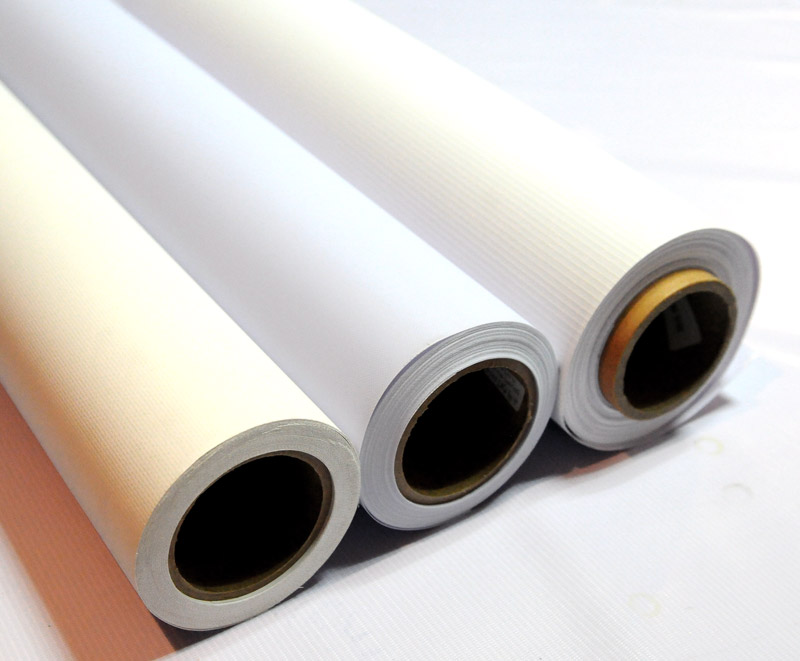 Hot/Cold Laminated Frontlit & Backlit Flex Banner
-
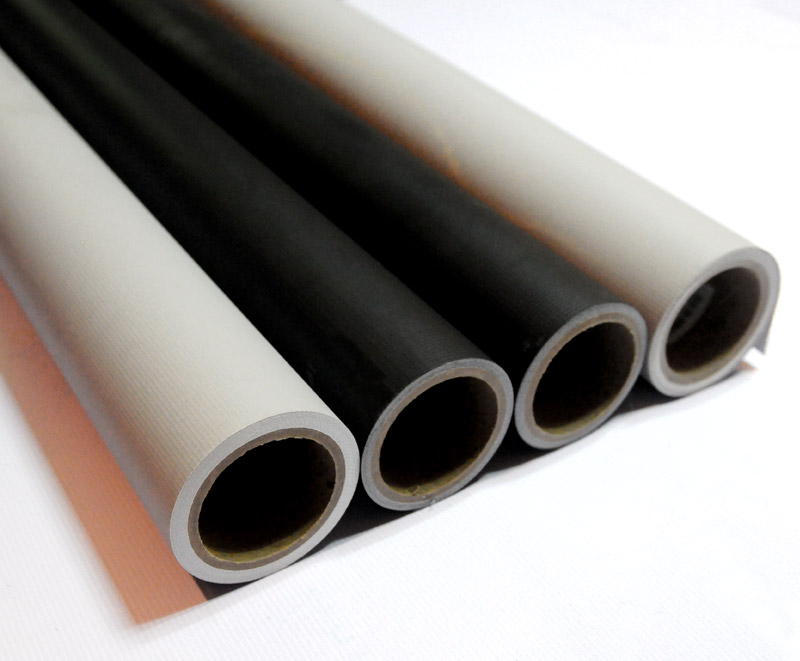 Pvc Blockout Flex Banner Roll Material
-
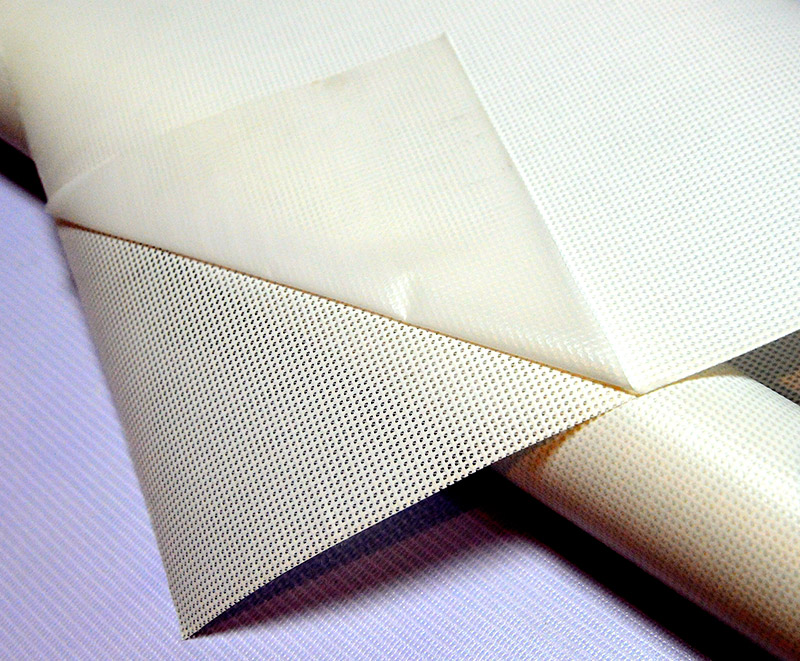 Pvc Liner Mesh Banner Material Roll
-
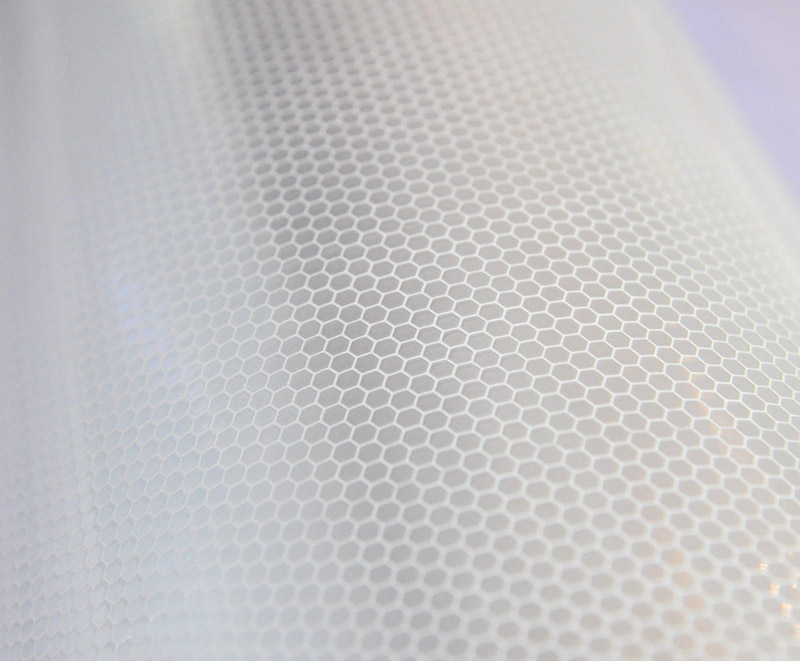 White Reflective Honeycomb Vinyl Sticker Materials
-
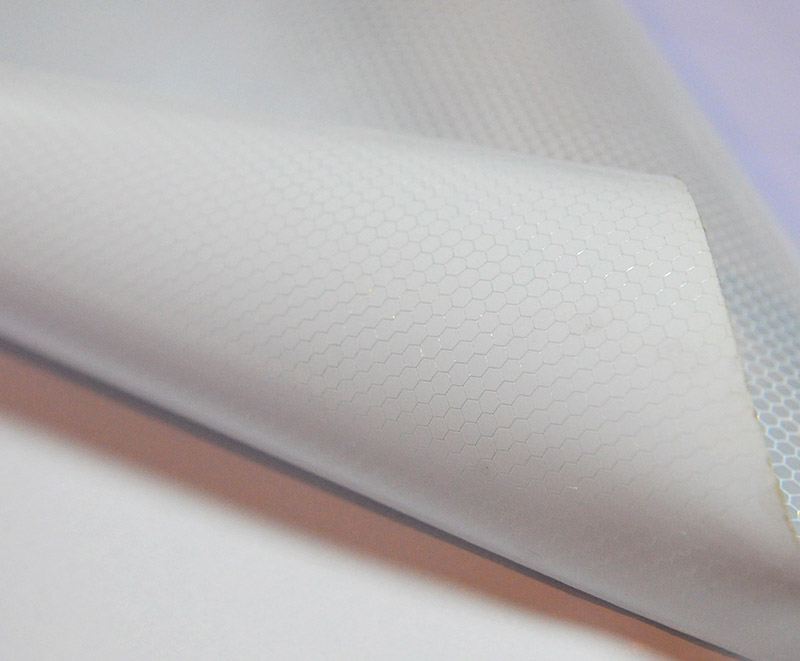 Reflective Banner Flex For Outdoor Advertisement Sign
-
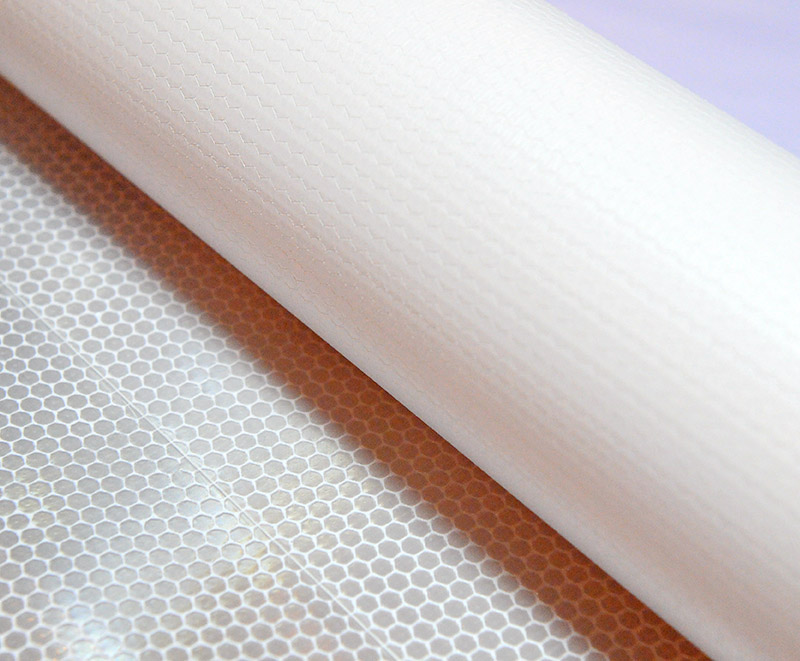 Printable Reflective Banner Vinyl Roll Material
-
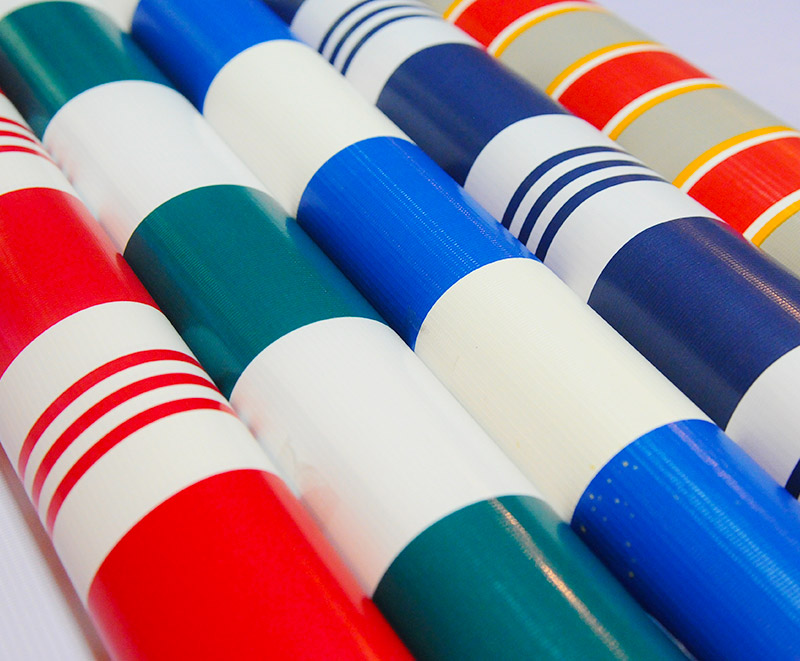 Pe Pvc Stripes Tarpaulin Roll Fabric Material
-
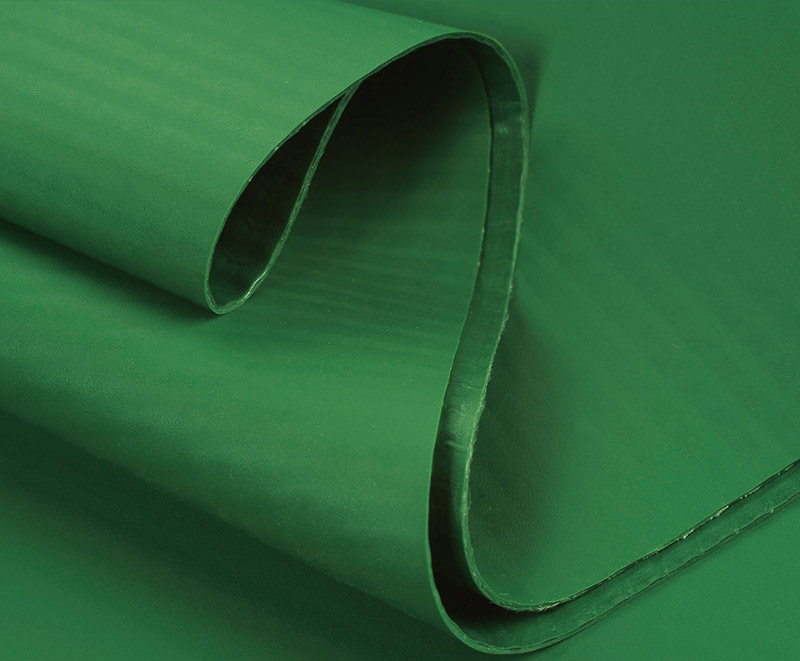 840d 1000d 1300d 1.02-3.20m Pvc Laminated Tarpaulin Fabric
-
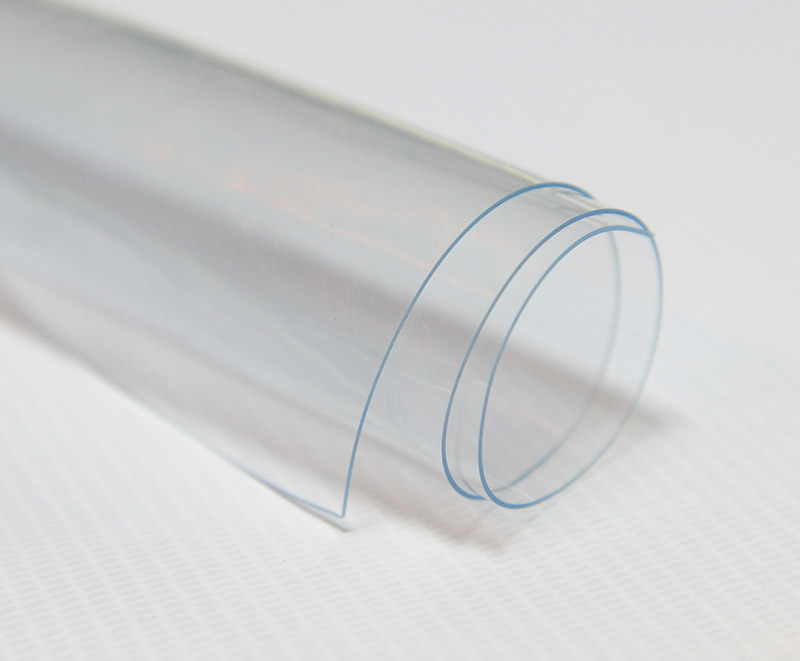 Rigid PVC Super Clear Stretch Film
-
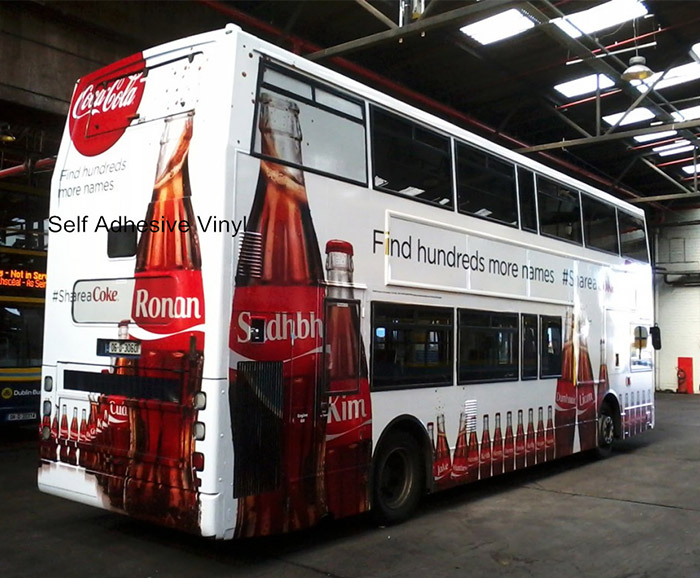 Digital Printing Vinyl
-
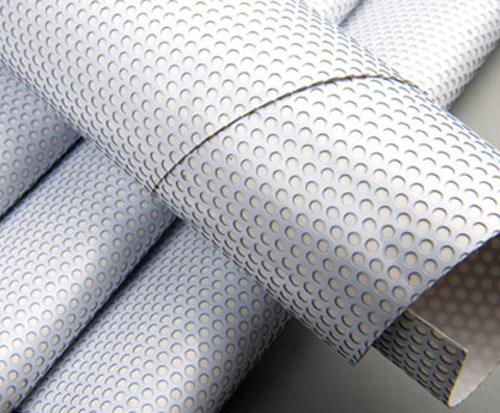 One Way Vision Vinyl Film Sticker
-
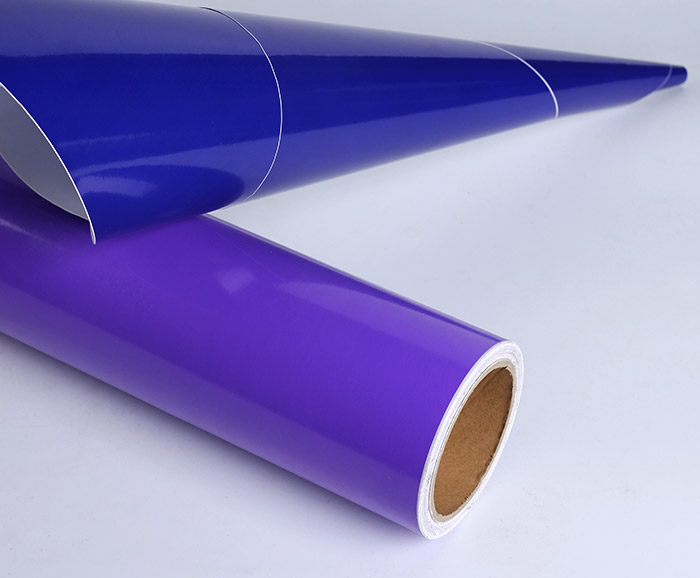 White Transparent Black Grey Self Adhesive Printable Vinyl
-
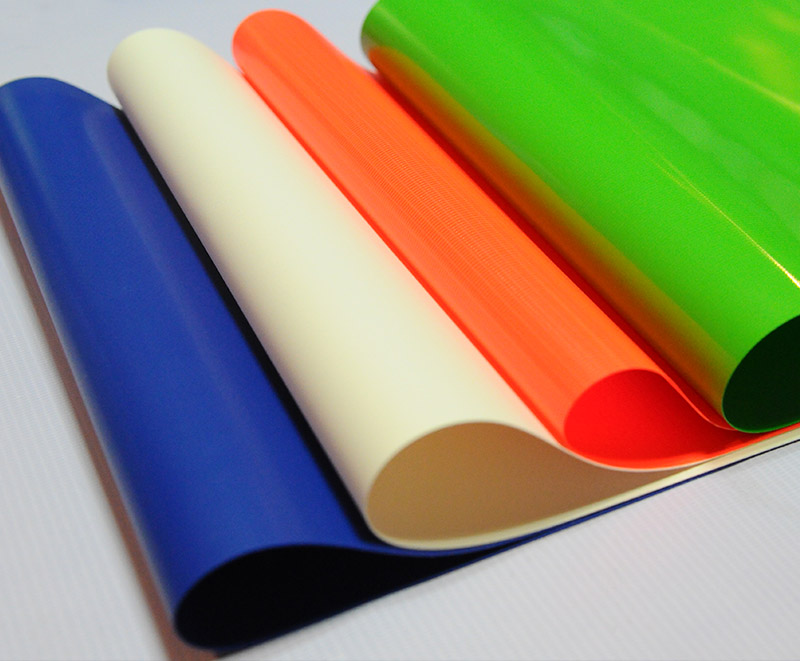 Heavy Duty Pvc Coated Tarpaulin Fabric
-
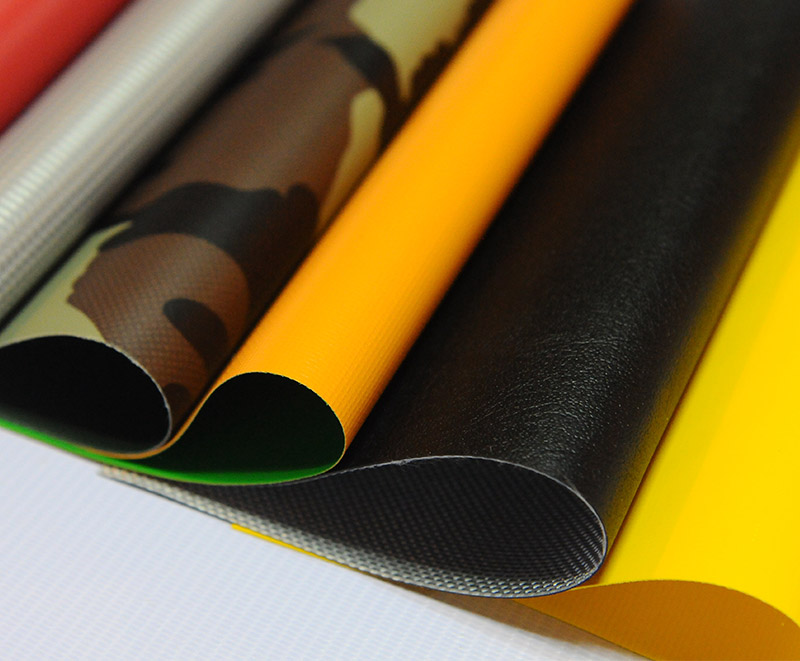 Pvc Coated Tarpaulin Fabric For Truck Cover/tent/boat
-
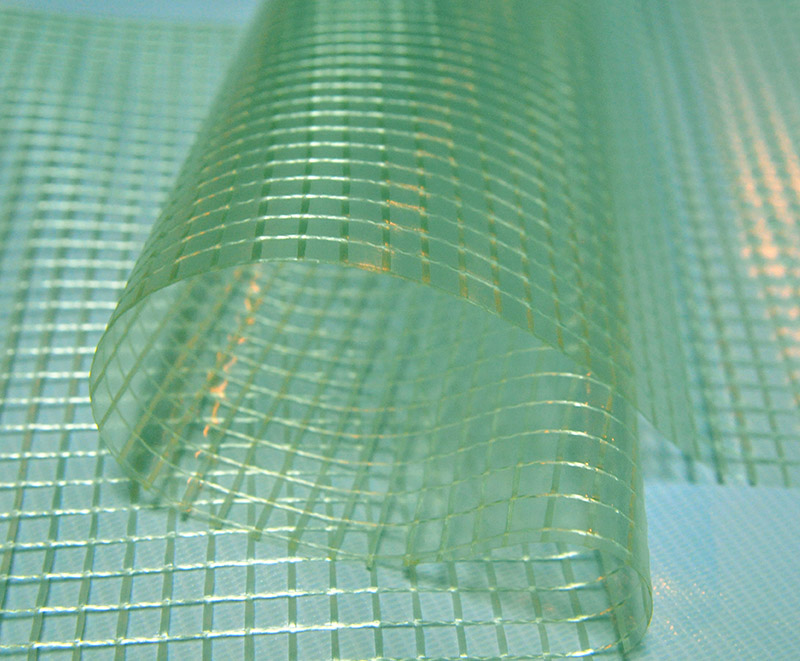 Green White Transparent Clear Poly Pvc Laminated Mesh Tarp
-
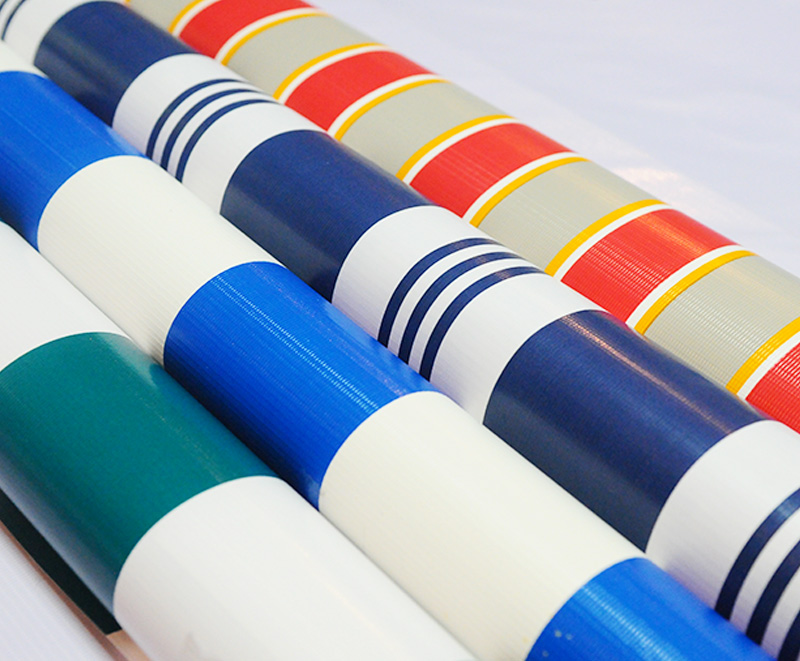 Colorful Printing Striped Tarpaulin Fabric Roll
-
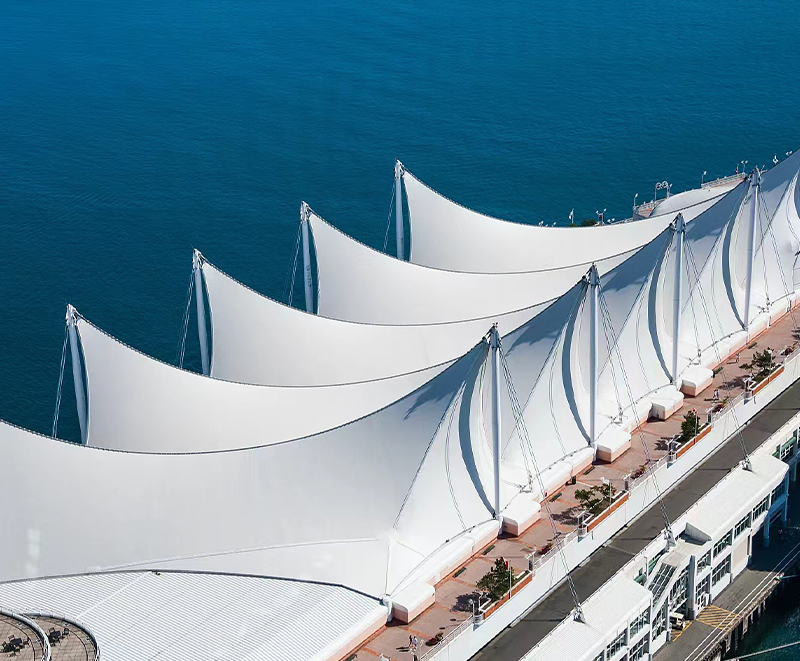 Knife-coated Membrane Material
-
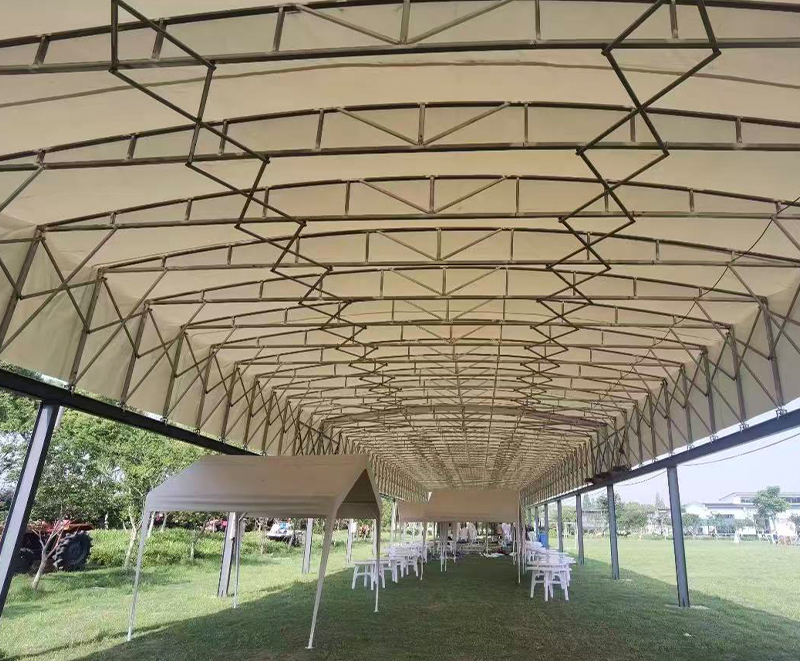 Knife-coated Retractable awnings
-
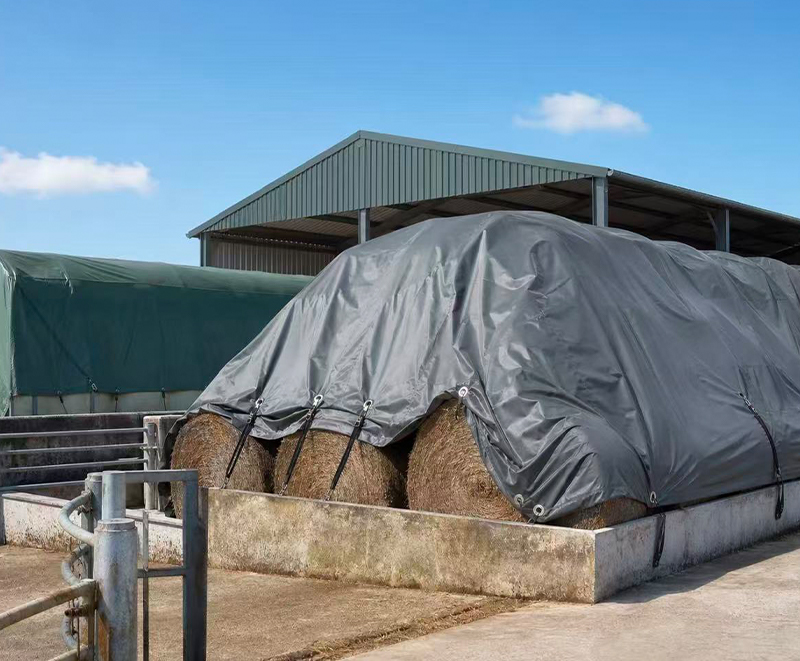 Industrial-Grade covering tarpaulin
-
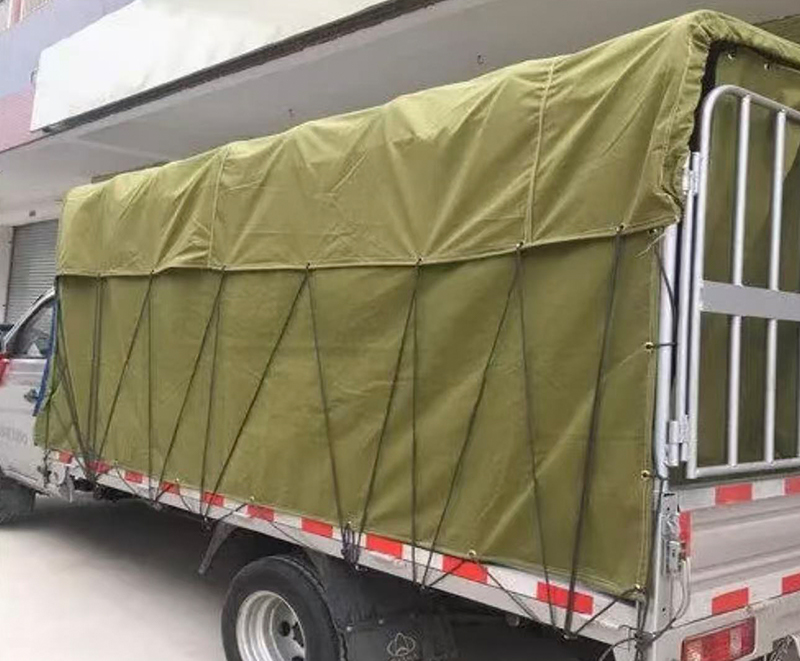 PVC Truck tarpaulin
 +86-573-88890126
 adam@ml-holding.cn
 No. 28, Shuguang Road, Tudian Town, Tongxiang City, Zhejiang Province, 314503, China
Copyright © Zhejiang Minglong New Material Technology Co., Ltd. All rights reserved.
